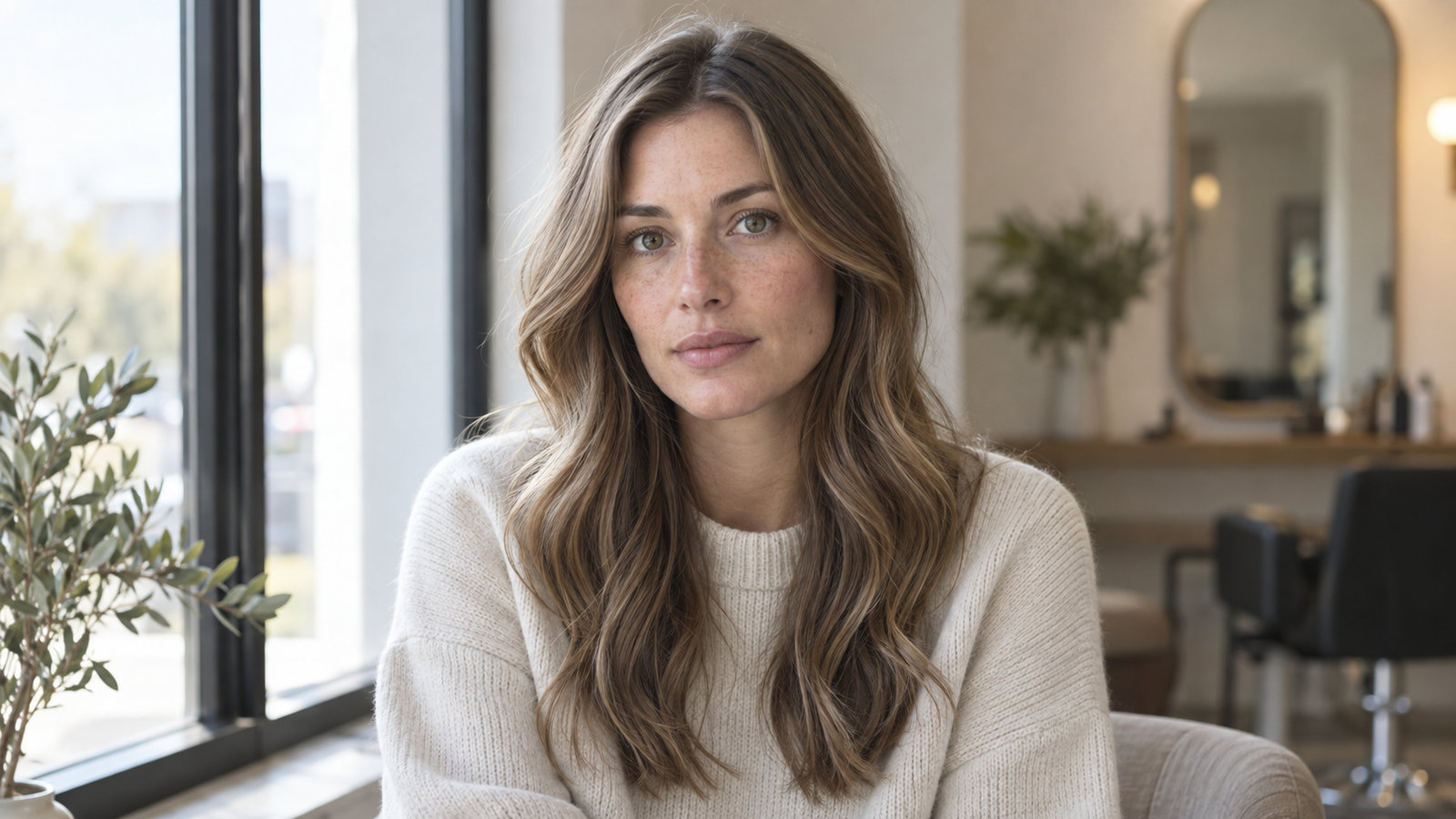
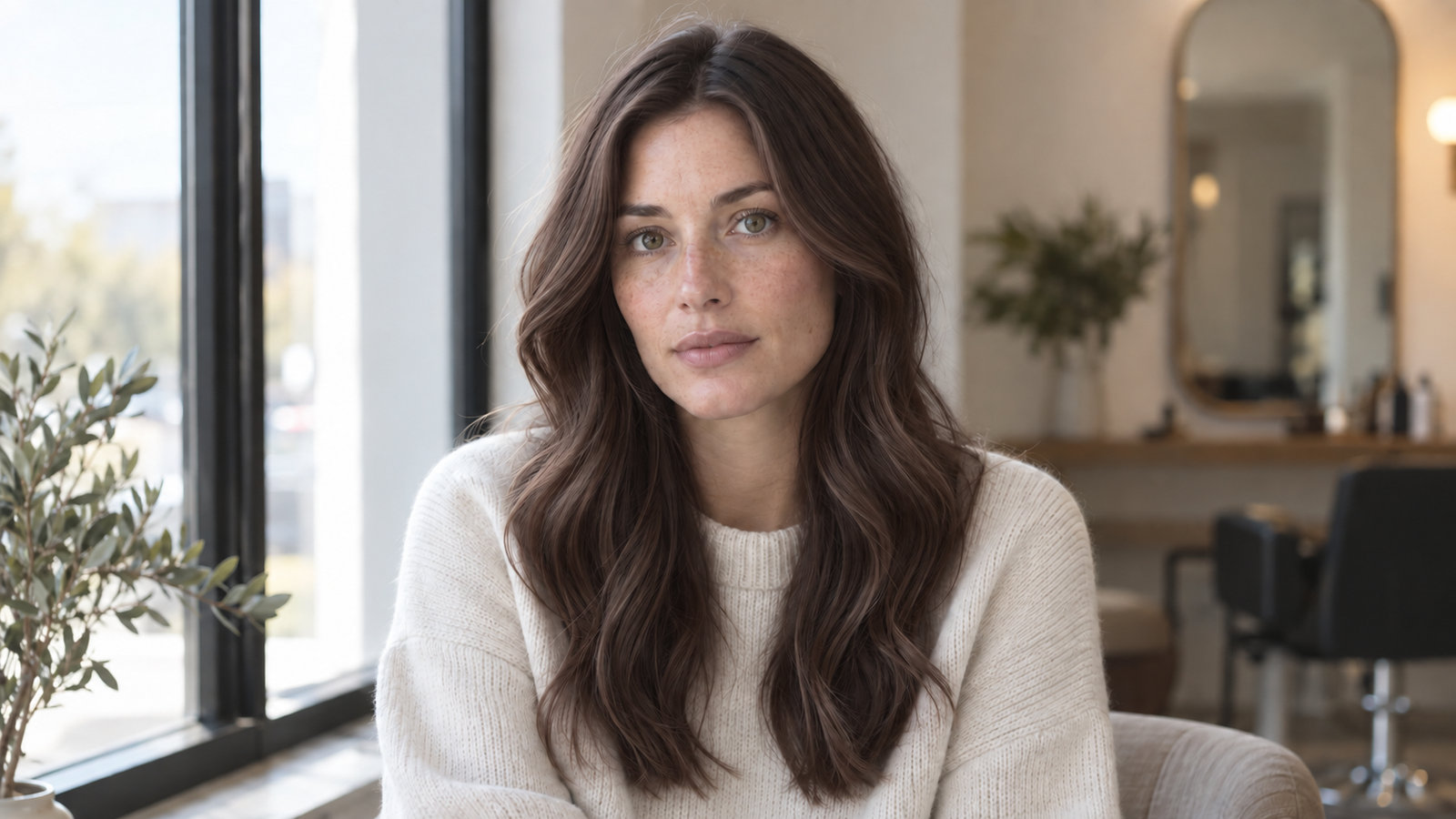
Changing your hair color is easier to plan when you can compare depth, warmth, and contrast on a familiar face. A digital preview helps you test directions without chemical commitment or relying on a tiny box swatch.
Use those comparisons as a starting point, then check upkeep and what your current hair can actually reach with a qualified colorist.
AI-generated comparison of one illustrative portrait. Color direction only; no salon result is predicted.
01 / The process
How to Compare Hair Color Directions in Three Steps
Even window light keeps the hairline and lengths easier to compare.01
Capture Clean Daylight
Face a window in soft, indirect daylight. Turn off beauty filters, flash, and warm indoor lamps, and keep your full hair outline in the frame. A consistent photo helps you compare directions; it does not measure your undertone.
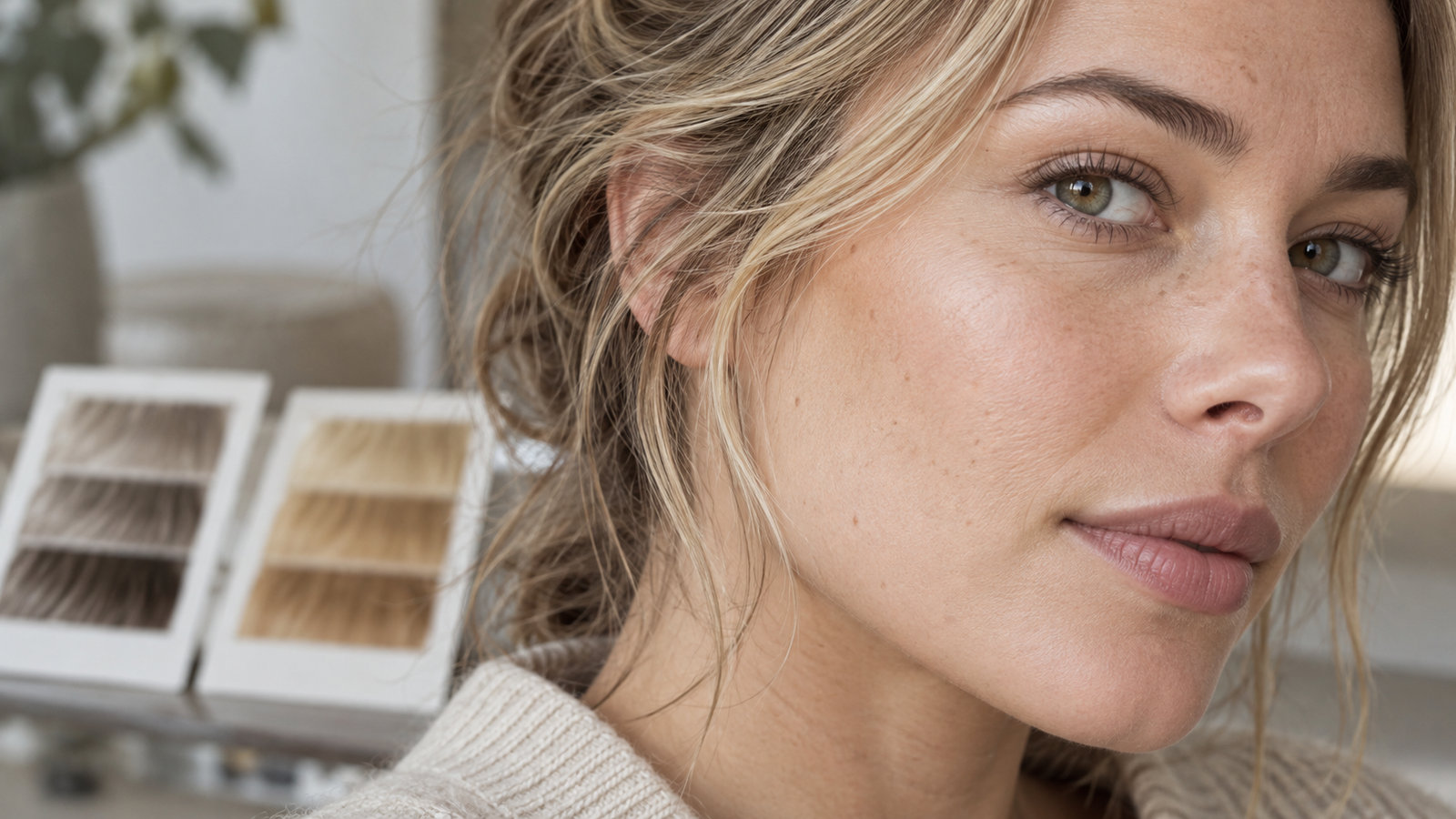
Compare tonal impressions in the same light; do not treat a photo as an undertone test.02
Evaluate Contrast & Tone
Hold depth steady while you compare cooler and warmer reflects. Then compare two nearby depth levels. Notice which contrast and warmth you enjoy rather than treating a screen as a definitive color analysis.
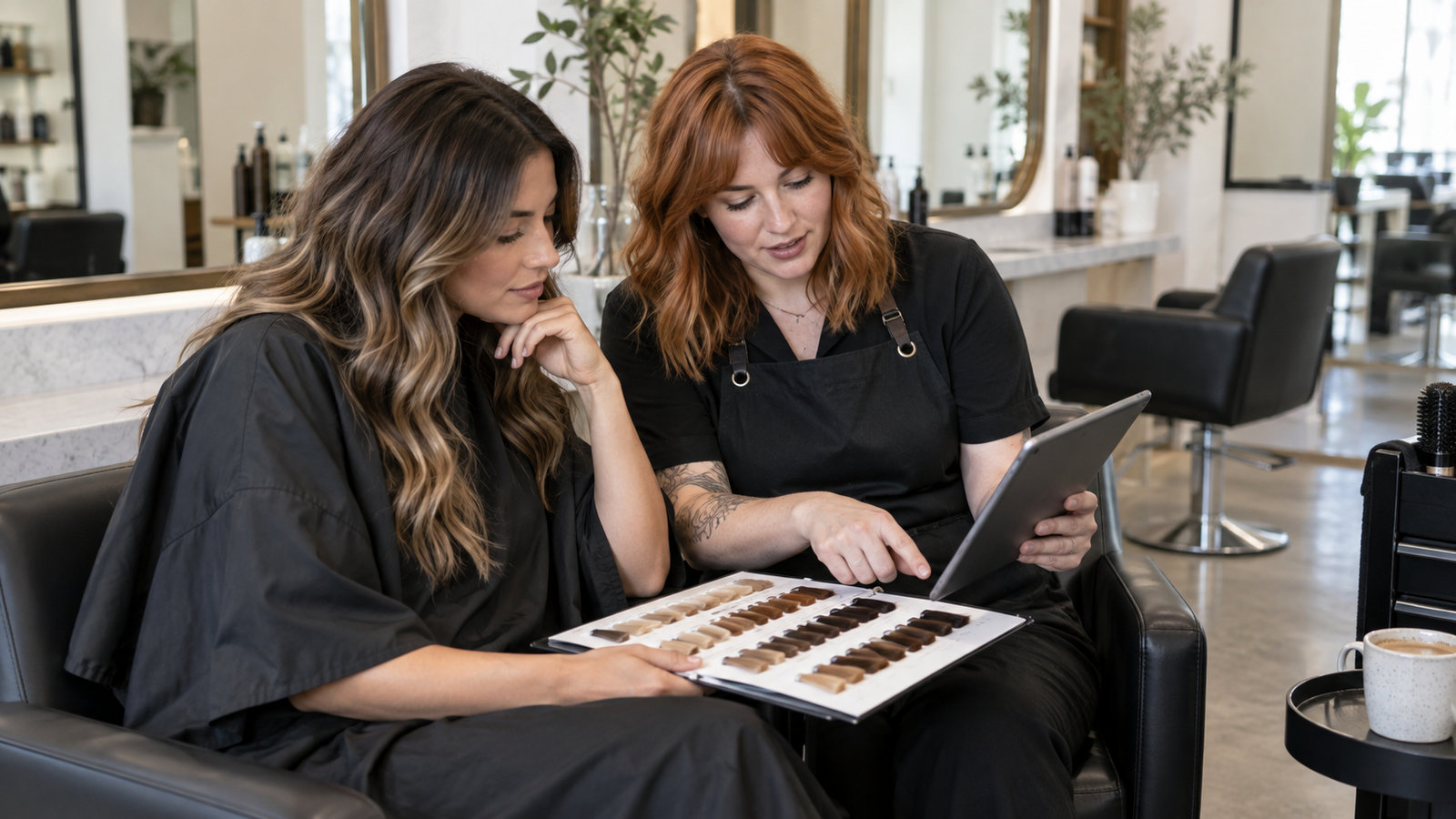
A preview becomes useful when you can explain what you want to a colorist.03
Turn Previews into a Salon Plan
Save two or three directions and identify the part you like: depth, tone, placement, or root contrast. Tell your colorist about previous dye and your upkeep routine. Ask what your current hair can realistically reach.
02 / What matters
Built Around Real Colorist Principles
Use these four questions to turn an image you like into a workable conversation.
01
Depth Levels Over Shade Names
A level describes lightness, usually on a 1–10 scale. Compare nearby depths before deciding that a name such as “mocha” tells you enough. Your current base and color history determine what lift may involve.
02
Tonal Temperature Harmony
Cool ash, warm gold, and neutral reflects change the overall impression. Compare them at a similar depth and in consistent light. A photo cannot prove your skin undertone, and you can choose contrast deliberately.
03
Haircut & Movement Synergy
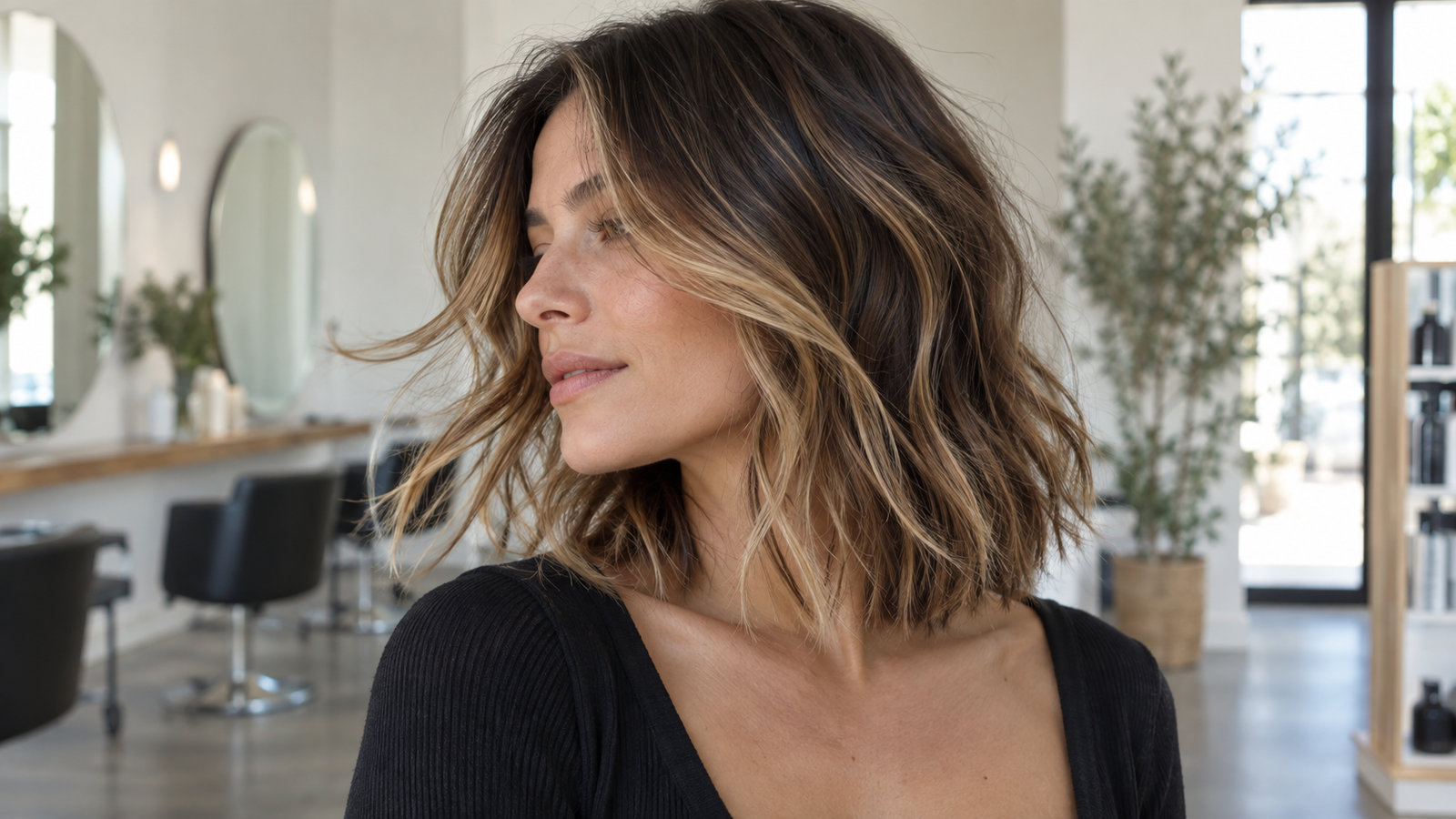
Perimeter and layers affect where dimensional color appears as the hair moves. A collarbone-length shape may show lighter placement differently from a blunt one-length cut. Treat cut ideas as supporting context for color.
04
Salon Consultation Readiness
Bring two references, your color history, and your preferred upkeep schedule. Ask what can be done now, what may take stages, and which strand test would help check the plan.
Subtle layers and movement change where lighter pieces catch the light.
03 / Color families
Explore Proven Hair Color Families
These are starting directions, not rules for a particular face or skin tone. Compare depth and reflect, then ask what the change would require from your current hair.
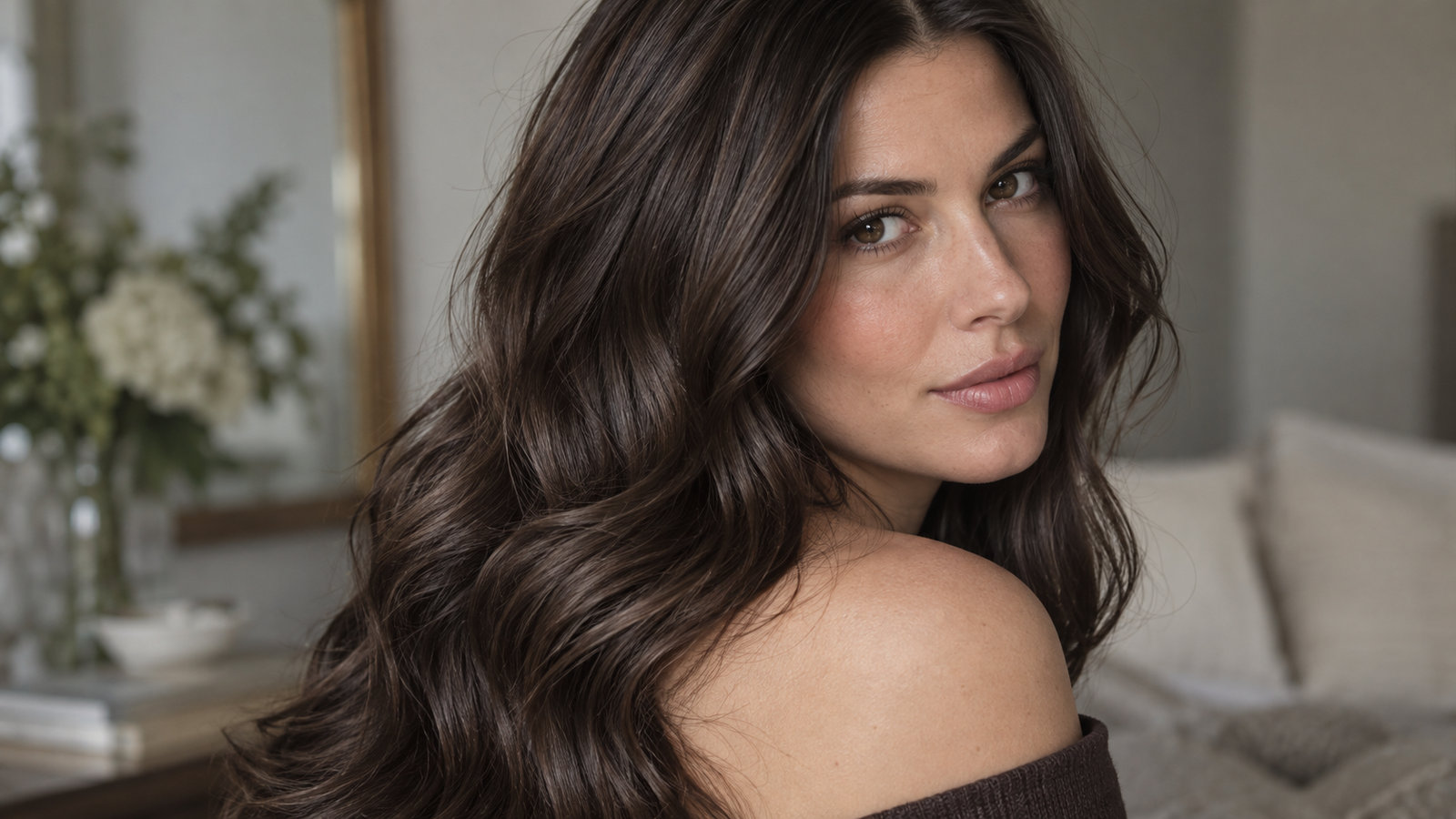
Cool espresso can read deep without becoming a flat black block.
Cool Brunettes & Deep Mochas
Compare a cool espresso with a slightly warmer deep mocha at the same depth. Small changes in reflected warmth can matter more than a dramatic level shift. Discuss a shadow root if you want gentler grow-out.
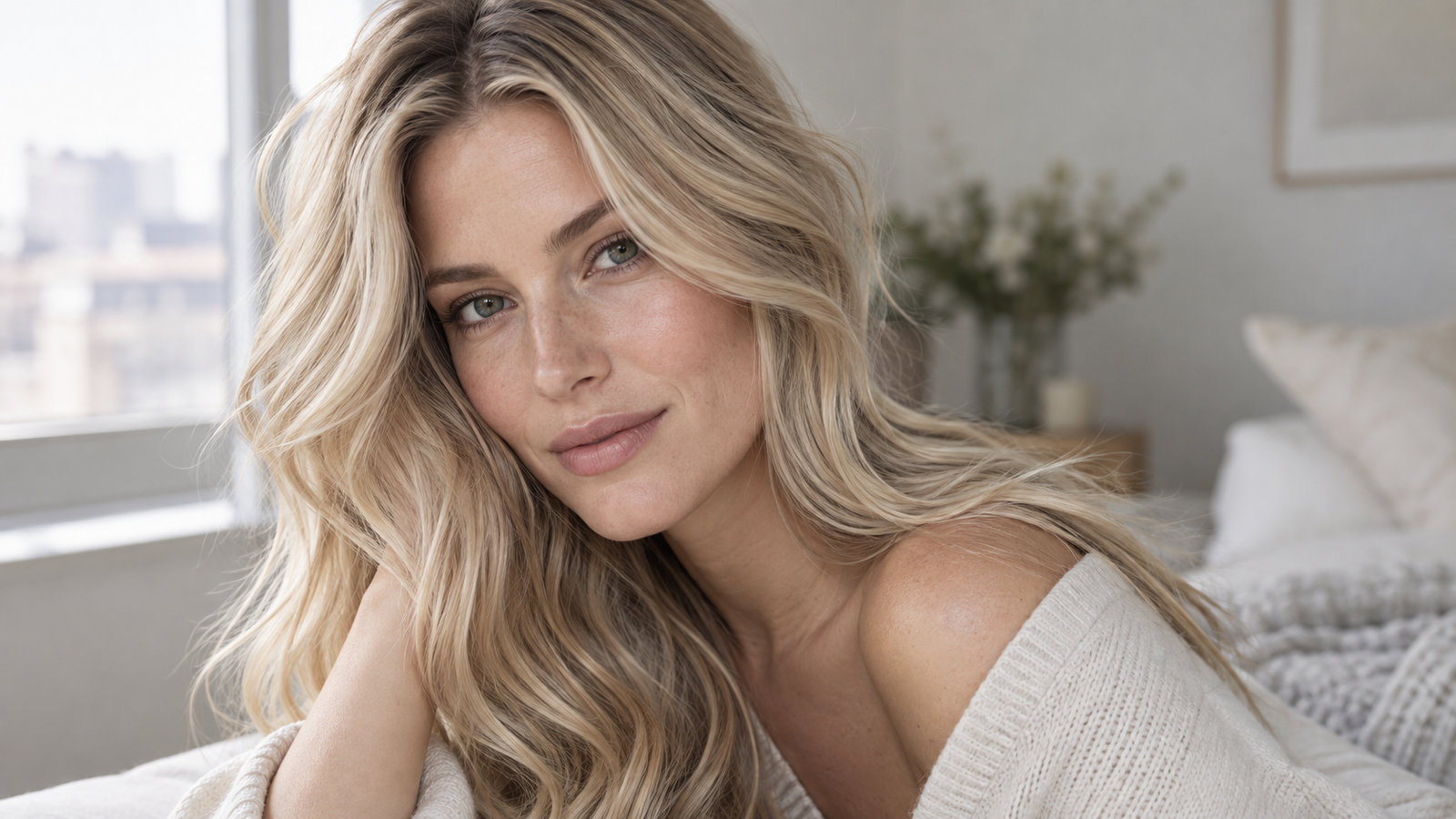
A shadow root changes the look and upkeep of a light blonde direction.
Wheat, Honey & Ash Blondes
Wheat, honey, and ash carry different amounts of warmth. Compare them under the same light and note the root blend. A lighter preview cannot tell you how much lift, toning, or maintenance your hair would need.
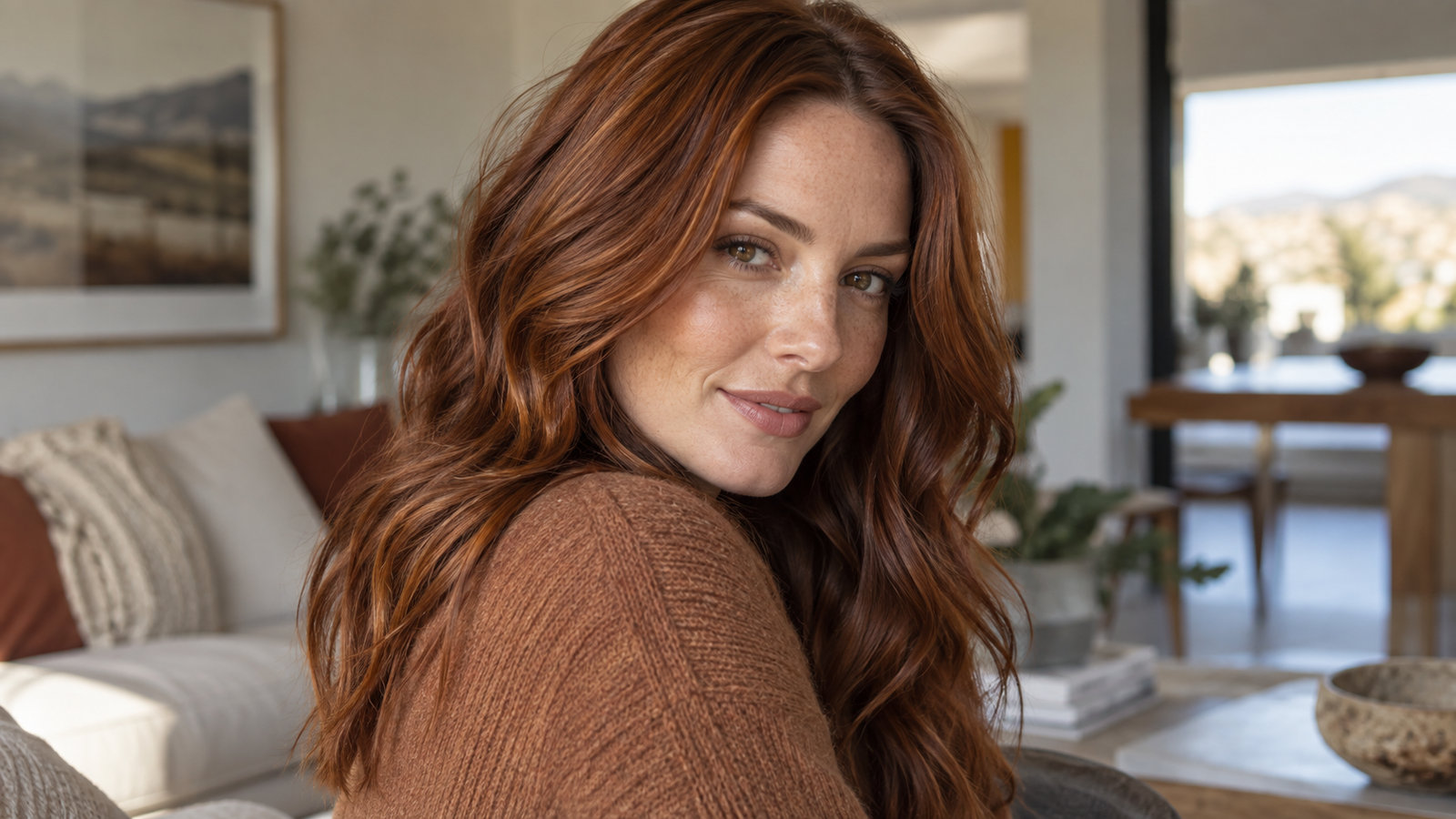
Auburn can show warmth through brown depth rather than neon saturation.
Auburn, Terracotta & Warm Coppers
Try a muted auburn beside a brighter copper before choosing intensity. Red tones can fade visibly, so ask about refresh visits and at-home care. Preference matters more than a rule about who may wear warm hair.
04 / The limits
What Virtual Try-On Can (and Cannot) Tell You
What you can compare
A preview can show broad changes in depth, warmth, contrast, light reflection, and color placement on one image. Keep the photo and screen settings consistent to make that comparison more useful.
What you still need to learn
A screen cannot establish natural base, previous dye, porosity, hair condition, chemical lift, or the exact finished color. A strand test and consultation with a qualified colorist help check feasibility before a chemical change.
05 / Read further
Deep Dives & Seasonal Hair Color Guides
06 / Questions
Frequently Asked Questions About Virtual Hair Try-On
Can a virtual hair color try-on show exact salon results?
No. A preview can help you compare color direction, but the finished result depends on your starting base, previous color, hair condition, formula, and technique. A colorist can assess feasibility and use a strand test where needed.
What is the best lighting for a try-on selfie?
Use soft, diffused daylight while facing a window. Avoid direct sun, mixed indoor bulbs, flash, and beauty filters. Keep the same photo and screen settings for every shade you compare.
Does virtual try-on work for naturally dark hair?
You can preview lighter directions on a photo of dark hair, but the screen cannot tell you whether that color is achievable in one appointment. Lightening may require several steps, and previously colored lengths can respond differently.
Is photo try-on free here?
Photo processing is not available on this site yet. You can use the free color decision guide and illustrative shade examples now. Check any external try-on service's current terms and photo policy before uploading.
Your next step
Find a Color Direction You Want to Explore
Move from a screen impression to a short, useful list. Compare depth and tone, record what you like, and take those questions to a colorist.